
Adobe Visual Design and in-Product experience

Brand Design
Art Direction
Product Marketing
Animation Direction
Visual Design

A series of learn content and educational animations for the introduction of new tools and features into Adobe Acrobat’s Document Cloud suite of products, including the rollout of Gen AI capabilities.

This included the development of a visual design system rooted in abstracted UI that reduces complexity rather than mimic product interfaces verbatim: the animations distilled key interactions into intuitive visual moments.

The work lived within Acrobat’s in-app surfaces and product experiences, as short animations and product moments which enhanced learning while respecting attention spans and user experience.

Art Direction & Design Kirsten Townsend
Animation Andrew Emery
Design Manager Alex Hunt
Content Producer Meghan Ryan

Laptop computer with a colorful screen displaying a webpage and a floating window with a creative design app.
A digital illustration of a sewing mannequin on the left and an open book with lines of text on the right, set against a light blue background.
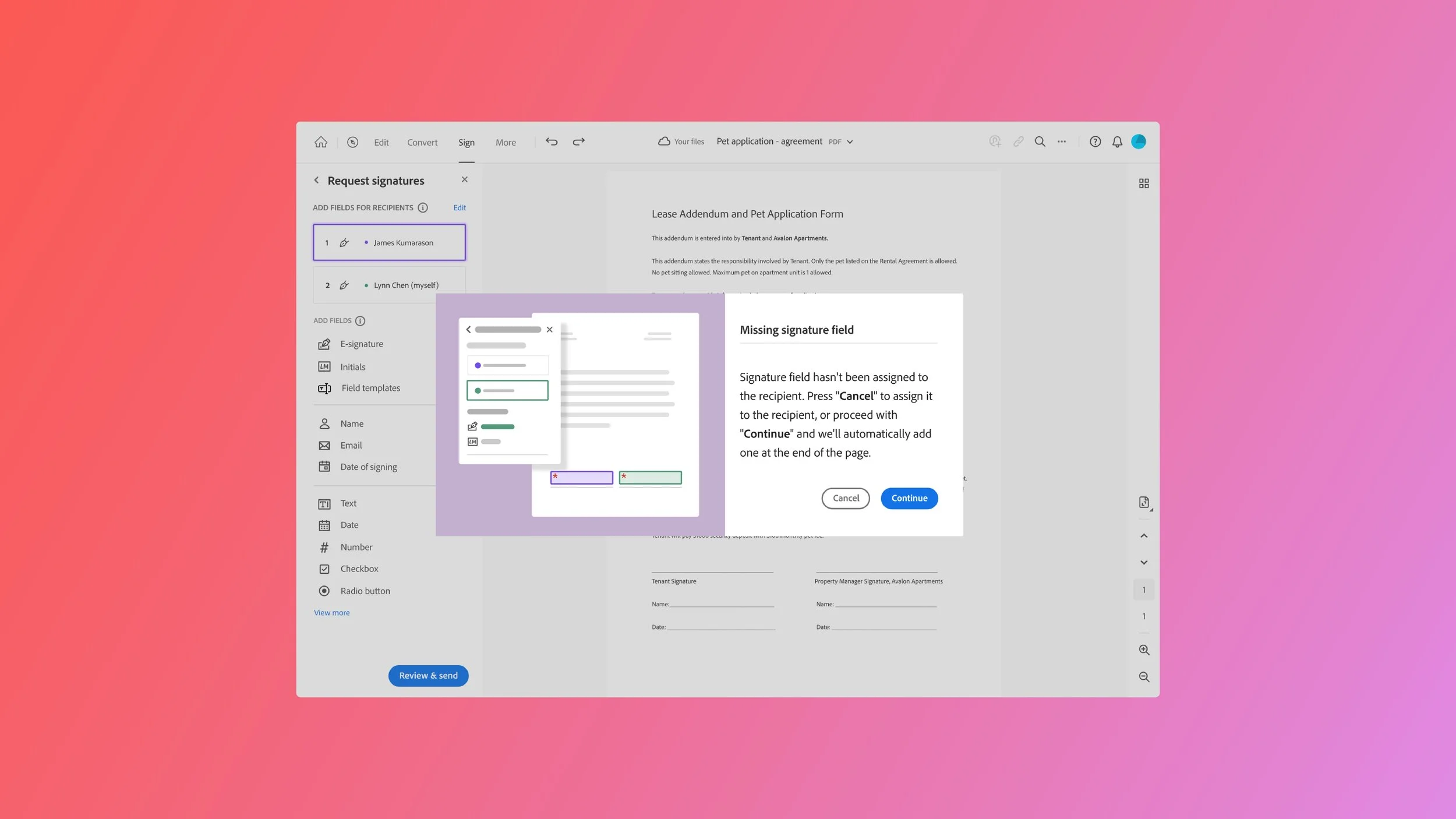
Screenshot of an online template for a lease and pet application form, showing sections for signatures, including missing signature fields, and options for various fields like name, email, date, and signature.
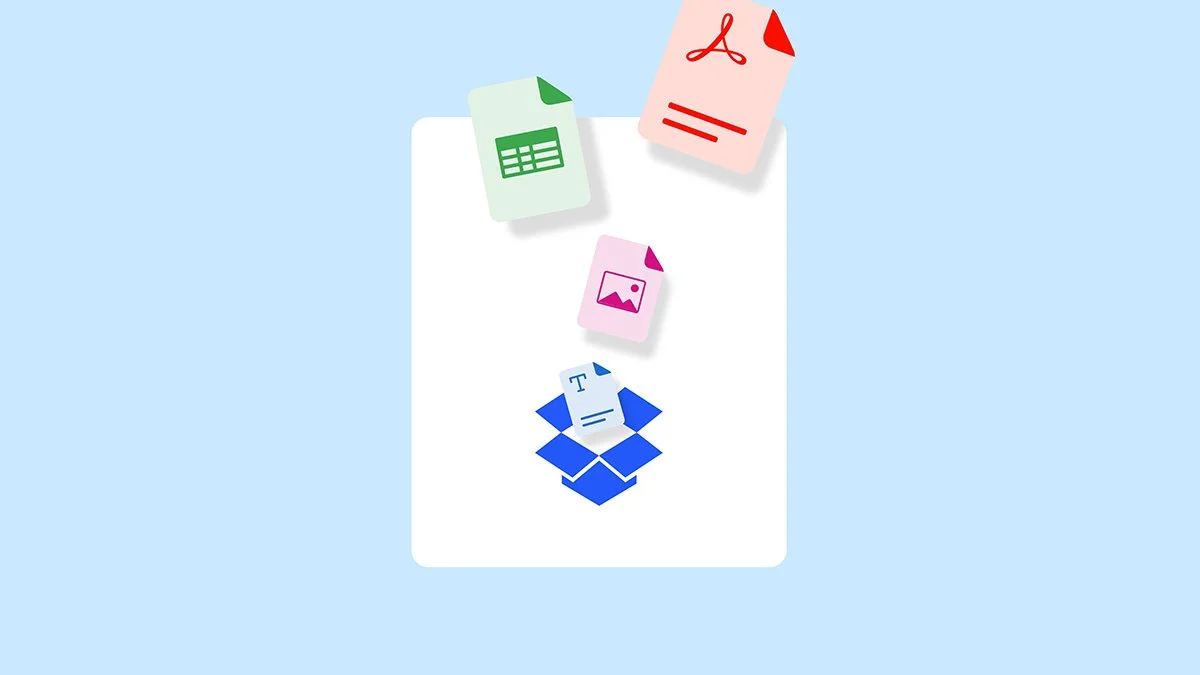
Illustration of various digital documents and files, including a spreadsheet, a PDF, an image, a Word document, and a Dropbox icon.
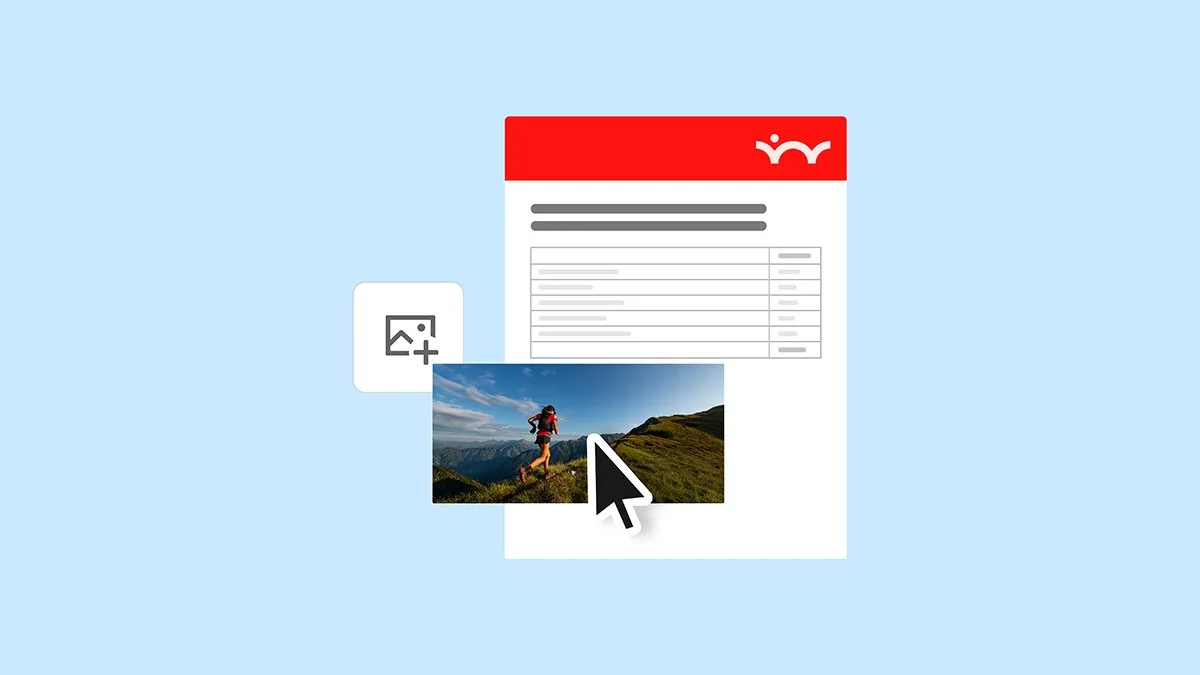
A digital interface for uploading a photo, showing a mountain hiker with a backpack on a trail, with a cursor pointing at the image.
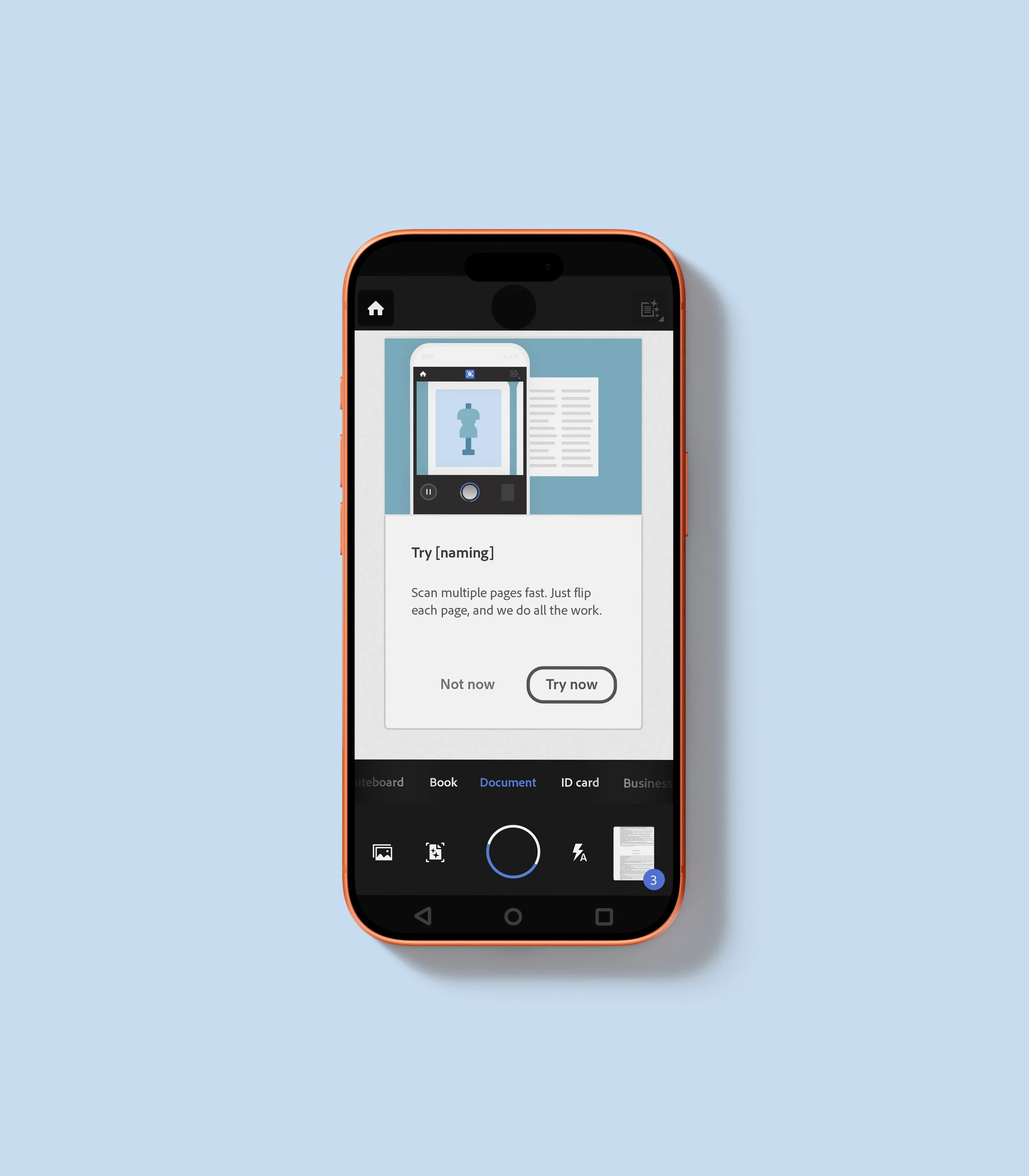
A smartphone displaying a screenshot of a scanning app interface, showing options for capturing multiple pages of a document.
Screenshot of a computer interface showcasing an AI Assistant feature, with a highlighted 'AI Assistant' button, and floating windows displaying chatbot interactions, including a conversation and a generative summary, on a pink background with small decorative stars.
Screenshot of a messaging or social media app with a user profile picture, a row of four other people's profile pictures with check marks, and icons for questions, notifications, and user profile at the top, on a pink background.
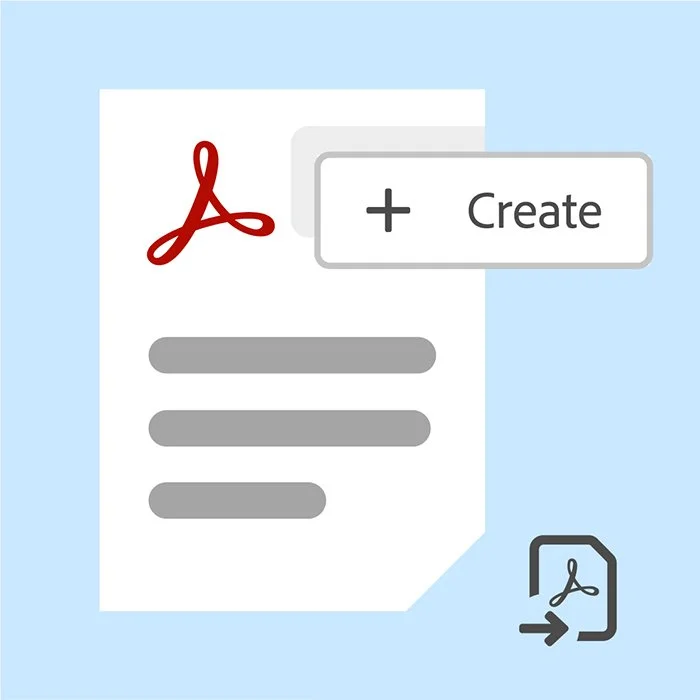
Digital illustration of a document with the Adobe Acrobat logo, a plus sign, and the word 'Create' on a blue background.
Digital illustration of a signature with a stylized signature line and icons for editing and sharing on a lavender background.
Digital illustration of two PDF documents with a red Adobe Acrobat logo and gray lines representing text, with a smaller icon of a PDF document and arrow indicating download or export.
Illustration of two documents, one with an image icon and the other with a PDF icon, and a scissors icon in the bottom right corner.
Illustration of a document with a blue ribbon badge, a red PDF icon, a checklist with three items, and a chain link symbol.
A stylized document icon with a red Adobe PDF logo at the top, three gray lines representing text, and a black chain link icon at the bottom right corner.
Screenshot of a document with placeholder image and lines, a circular arrow indicating redo or refresh, and a dashed red outline on the left.
Social media or online platform interface with four user profile icons in different colors and checkmarks, and a plus icon for adding new users, set against a pink background.
Illustration of a text box with four lines of text, highlighted with a blue border with resizing handles, and two font style icons (bold and large T) in the bottom right corner on a pink background.
A digital document editor with gray text lines, blue selection handles, and a trash bin icon in the lower right corner.
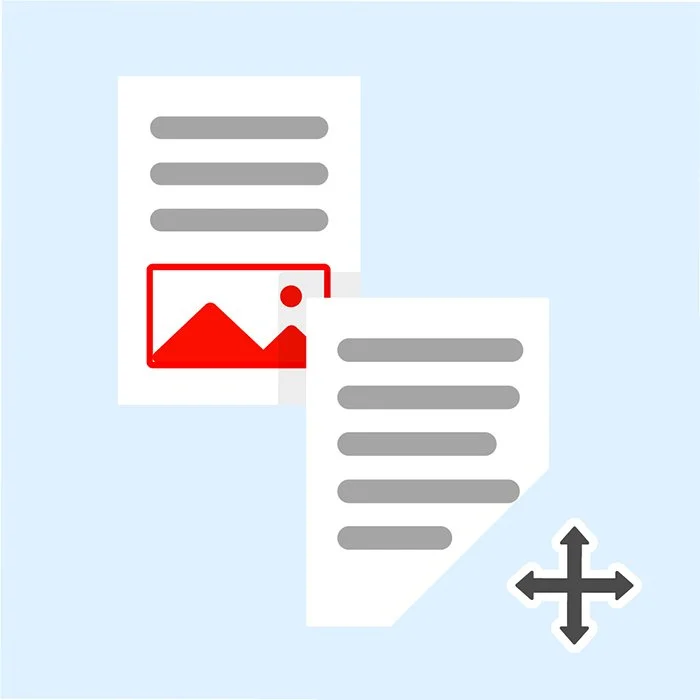
Illustration of two overlapping documents with lines of text and a picture of a mountain and sun in a red frame, with a four-directional arrow icon indicating resizing or moving.
Icon of a red uppercase and lowercase letter 'A' inside a red rectangle, with a gear icon at the bottom right corner.
Digital design workspace with photo editing interface, showing a landscape photo of mountains and water, and an overlay of a red post-it note with a white icon and a cursor clicking.
Icon of a document with a picture of a mountain and sun, surrounded by editing tools, on a pink background.
Close-up of a text input box with a gray blinking cursor on a light purple background, and a dotted outline with the letter 'A' in the bottom right corner.
Smartphone displaying an app interface for an AI assistant, with features like key takeaways, summaries, and insights, against a pink background.
Digital illustration of cloud storage service icons, with an arrow pointing to the Dropbox icon and a cursor clicking on it.
A mobile phone screen displaying a report with a woman smiling in front of buildings, colorful graphics, and chart icons on a purple background with small star and circle decorations.
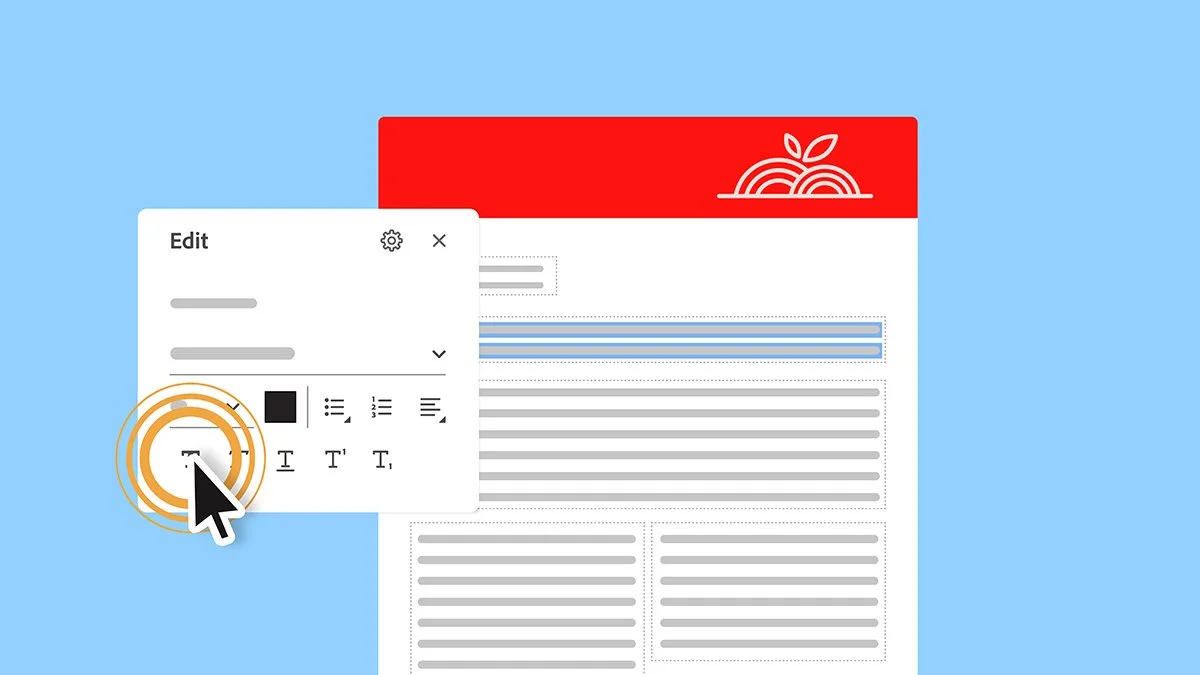
Digital illustration of a computer screen showing a document editing interface with a text formatting menu open. The background is light blue with a red header featuring a white stylized plant logo.
A set of fitness reports with a cover photo of two people tying their running shoes outdoors.
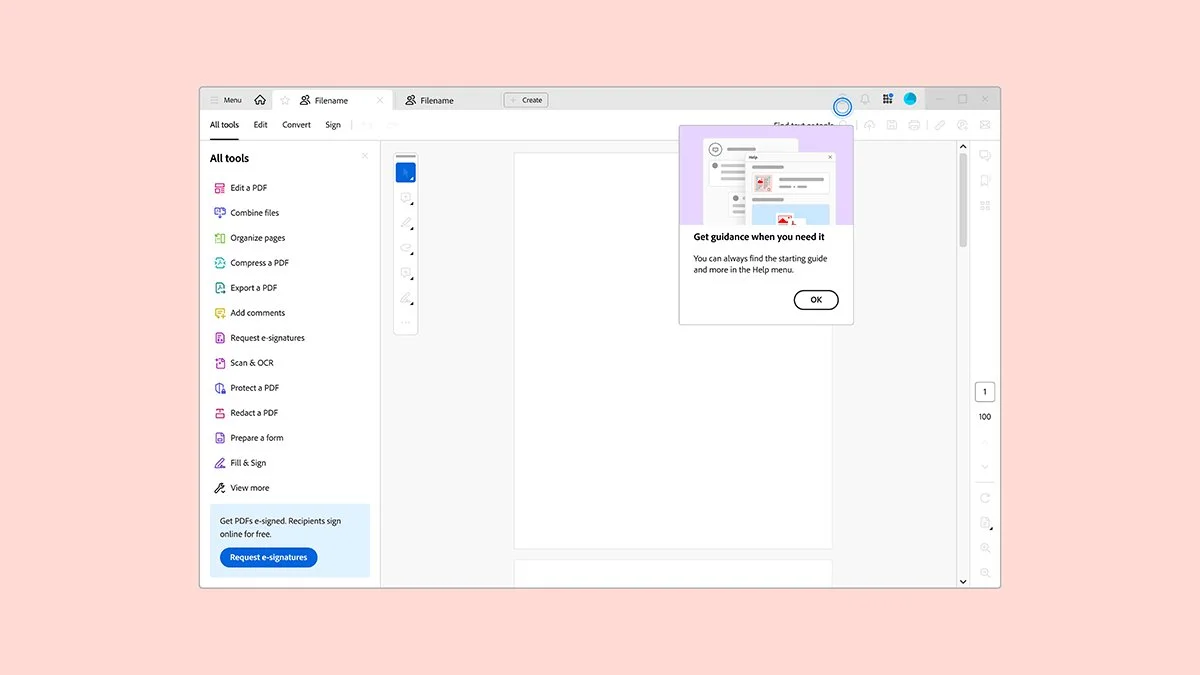
Screenshot of a PDF editing software interface with a menu on the left, a central workspace, and a guidance pop-up window.